
LIGHTROOM CC & CLASSIC: PUT YOUR PHOTOS IN PRINT
Make a book or magazine with Blurb integrations for Adobe Lightroom, whether you’re using Classic or CC.
LIGHTROOM CC + BLURB: HOW IT WORKS
-
DOWNLOAD OUR
FREE TOOLUse BookWright, the free desktop layout software to create books and magazines. -
IMPORT YOUR
LIGHTROOM CC PHOTOSSelect your photos for your book layouts from your Lightroom CC catalog using BookWright’s Photo Manager module. -
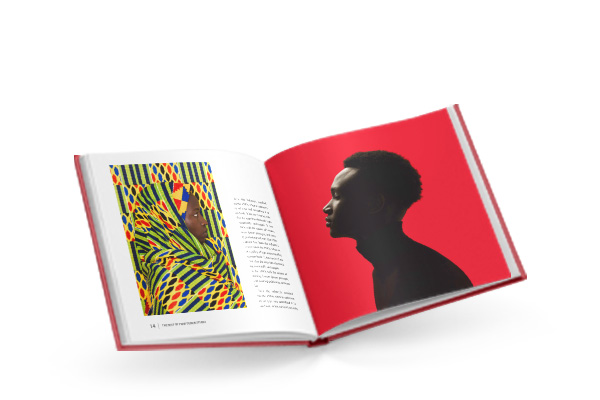
CREATE YOUR
LIGHTROOM PHOTO BOOKPlace your photos into layouts using built-in premade templates, or customize your own for your photo book or magazine.
Lightroom Classic CC:
the built-in book module
Photo editing and book-making all in one place
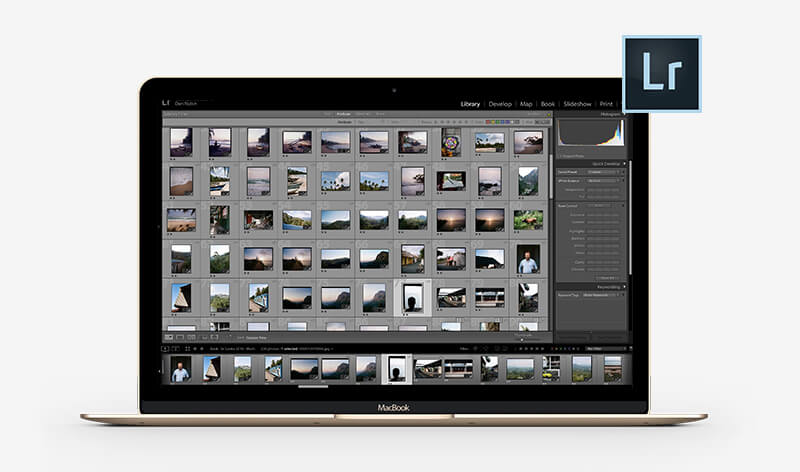
Blurb is already part of Lightroom Classic! Never leave your everyday workflow with the Lightroom book module.
- Photo edits replicate to the files in your book layouts
- Customize over 100 book layouts
- Caption fields with rich text formatting options
- New! Now supporting Trade Books, Magazines, and Layflat Photo Books!
CHOOSE A BOOK FORMAT FOR YOUR
LIGHTROOM PHOTOS
You can make any format in BookWright
-
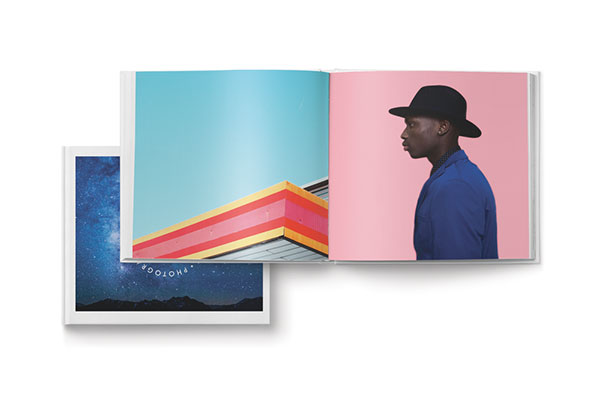
Photo Books
Designed to make images look their best, print your work on a range of paper types in a range of sizes, including Layflat! -
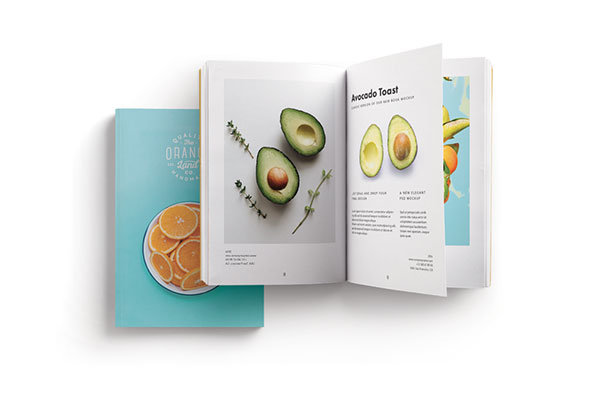
Trade Books
Optimized for higher page counts and more copies, a lower price point sets you up for a print project with a profit margin -
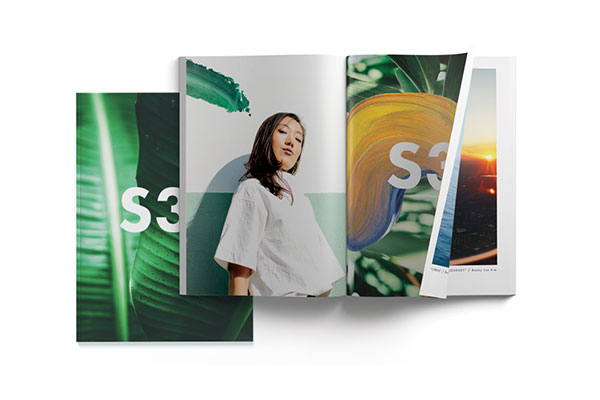
Magazines
A newsstand glossy or luxe quarterly, use this classic medium to combine text and images for shorter or serial content. -
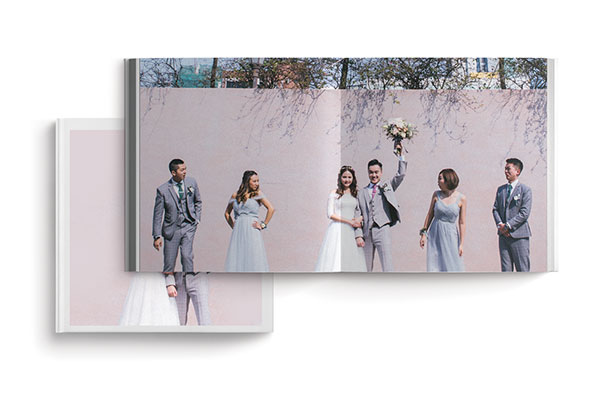
Layflat Photo Books
For edge-to-edge spreads without a center break, show off those big group shots or broad travel panoramas